
AI Compliance Automation: How AI Is Transforming Regulatory Compliance
4 Views 14 min October 13, 2026

Arohi Singh is a technology content strategist at Apptunix, where she writes about software and app development across industries, from on-demand and logistics to fintech, healthcare, and applied AI. With over 5 years of experience, she works closely with Apptunix’s engineers, product managers, and solution architects to turn real project insights into clear, decision-ready guidance for founders and business leaders. Her writing focuses on what matters before you build: market context, feature trade-offs, realistic costs, and compliance considerations
Leveraging AI tools for your mobile app development is not a luxury but a necessity.
From automating coding processes to delivering personalised user experiences, AI is revolutionising how apps are built, scaled, and optimised. Whether you’re a startup founder or a product manager at a large enterprise, integrating AI tools into your development cycle can significantly reduce time-to-market, decrease bugs, and enhance app performance.
Let’s take a look at numbers:
According to Next Move Strategy Consulting, the AI market size will reach $1.84 trillion by 2030 with a compound annual growth rate (CAGR) of 32.9%.
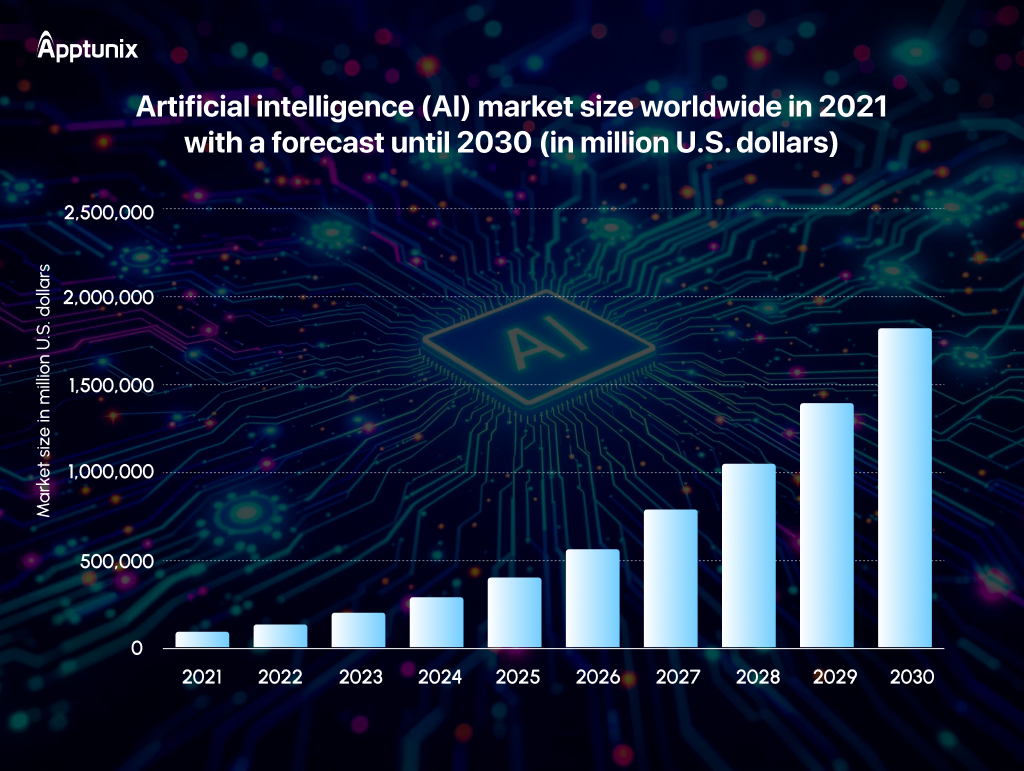
In this article, we’ll explore the top AI tools that are transforming mobile app development, helping you stay competitive, innovative, and future-ready.

The mobile app market is fiercer than ever. Users expect apps to be faster, smarter, more personalized, and bug-free from day one. At the same time, development teams face constant pressure to reduce costs, shorten time-to-market, and maintain high quality. This is exactly why AI tools for mobile app development have become a strategic advantage, not just a technical upgrade.
Here’s why businesses and development teams are rapidly adopting AI in product development:
1. Faster Development CyclesOne of the primary benefits of utilizing AI tools for mobile app development is the increased speed. AI coding assistants, automated UI generators, and intelligent testing platforms lighten the load and accelerate workflows. Tasks that once took days can now be completed in minutes.
2. Improved Code Quality and Fewer ErrorsAI-powered development tools analyze code in real time, identify potential issues, and suggest optimizations before problems reach production. This remarkably eliminates glitches, security vulnerabilities, and performance bottlenecks.
By using AI in app development, teams can maintain cleaner codebases, follow best practices automatically, and elevate the system’s serviceability or supportability.
3. Enhanced User Experience Through PersonalizationModern users expect apps that feel personalized and intuitive. AI tools help analyze user behavior, usage patterns, and feedback to create adaptive user experiences. With AI-powered mobile app development, developers can incorporate advanced features, making apps more engaging and user-centric.
4. Cost Efficiency and Resource OptimizationAutomating design, testing, monitoring, and even customer support with AI reduces operational overhead. Development teams can focus on strategic problem-solving instead of repetitive tasks, leading to better resource utilization and lower development costs.
This makes AI tools for app development especially valuable to scale firms without dramatically increasing team size.
5. Smarter Decision-Making with Data InsightsAI tools analyze vast amounts of product, performance, and user data to provide actionable insights. Teams can identify what features perform best, where users drop off, and how to optimize engagement and retention. This data-driven approach enables better product decisions, reduces guesswork, and ensures continuous improvement throughout the mobile app lifecycle.
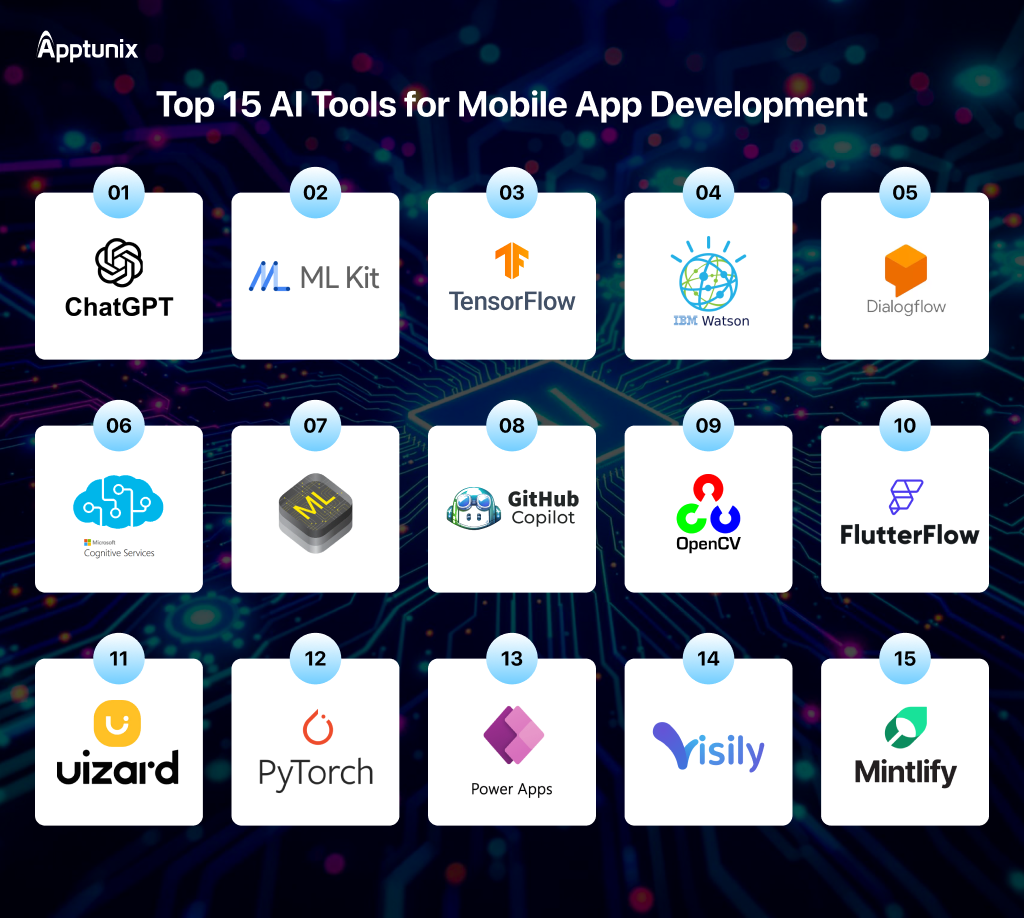
Following, we’ve listed the best 15 Artificial Intelligence (AI) tools for mobile app development. Let’s check:
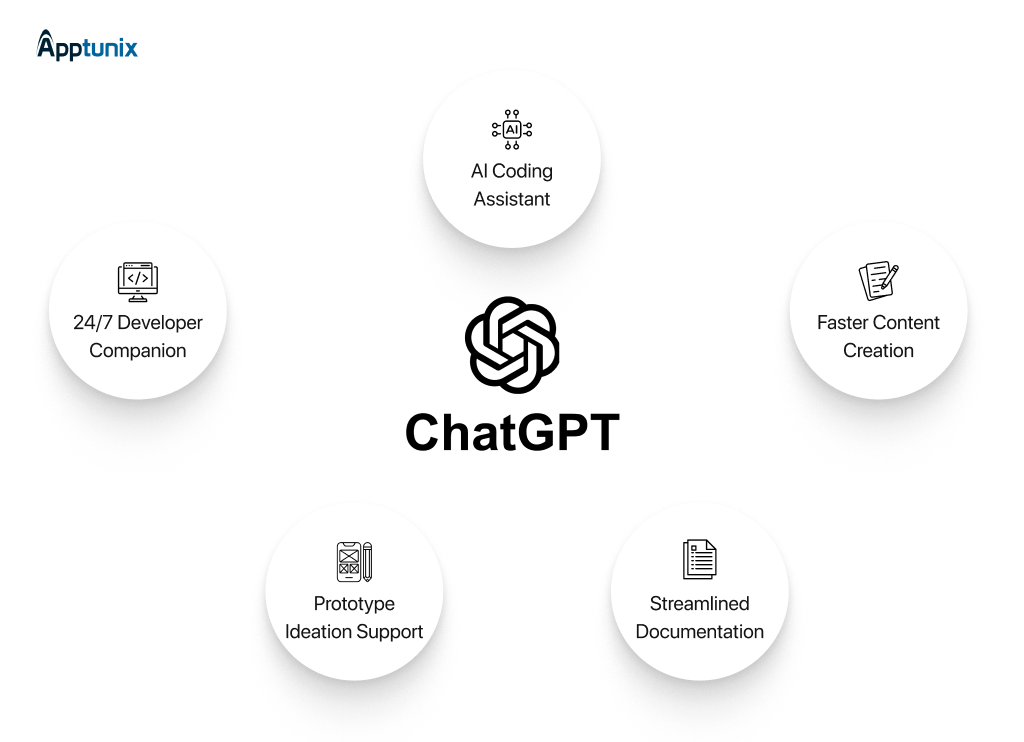
1. ChatGPTOf course, everyone is familiar with ChatGPT. It’s an AI language model created by OpenAI, designed to understand and generate human-like text based on the prompts you provide.
Consider ChatGPT like an intelligent assistant you can chat and interact with via natural language. It helps to generate ideas, explain complex concepts, and even write code snippets for your mobile app.
It is worth noting that it helps accelerate the process of creating mobile apps. Although ChatGPT doesn’t develop a whole app at this time, it helps speed up various stages in app development.
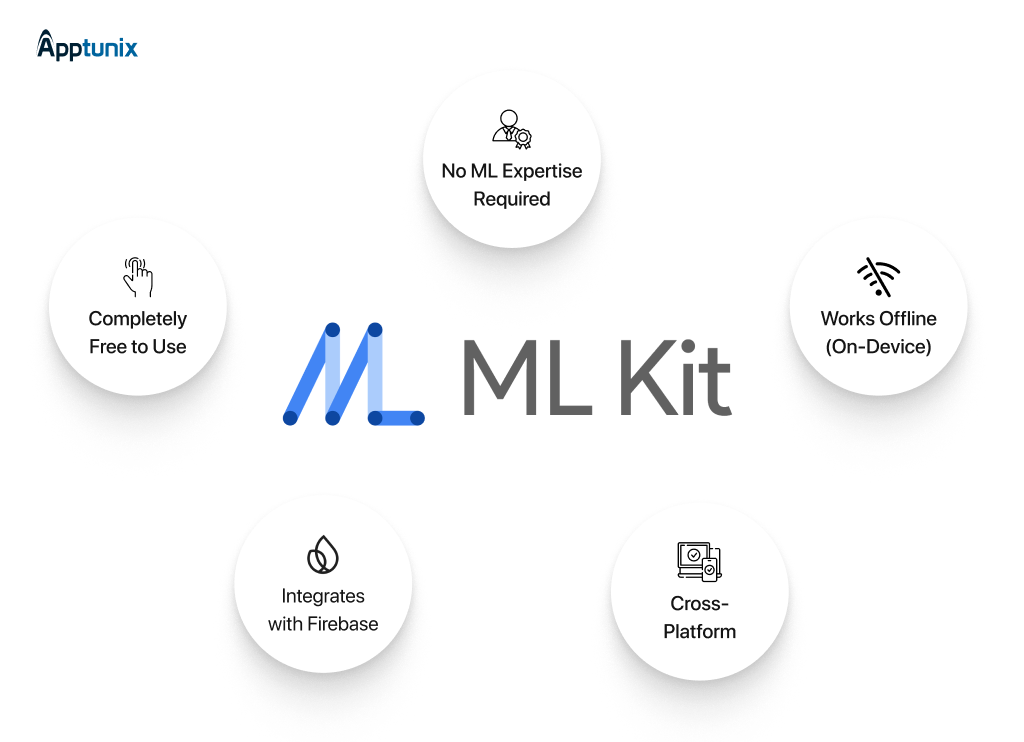
2. Google ML KitGoogle ML Kit is a mobile software development kit (SDK) that enables you to add machine learning capabilities to your Android or iOS app without needing to build complex AI models from scratch.
It provides pre-trained, production-ready machine learning (ML) models that are optimized to run efficiently on mobile devices.
Whether you’re a seasoned developer or just getting started, ML Kit helps you integrate innovative features like text recognition, barcode scanning, face detection, object tracking, and more with just a few lines of code.
It supports both on-device and cloud-based features, allowing you to balance performance, accuracy, and privacy depending on your app’s needs.
| Company Name | Focus/Industry | Team Size | Experience | Clutch Rating | Glassdoor Rating |
|---|---|---|---|---|---|
| Apptunix | App, Software & Web Development, AI Solutions | 500+ | 13 yrs (Since 2013) | 4.9/5 | 4.9/5 |
| CrowdStrike | Cybersecurity | 7,000+ | 14 yrs (Since 2011) | 4.7/5 | 4.1/5 |
| Silicon Labs | IoT & Wireless Technology | 1,900+ | 29 yrs (Since 1996) | 4.6/5 | 4.0/5 |
| Iodine Software | Healthtech (AI) | 300+ | 15 yrs (Since 2010) | 4.9/5 | 3.8/5 |
| Apptronik | Robotics | 100+ | 9 yrs (Since 2016) | 4.5/5 | 4.2/5 |
| Forcepoint | Cybersecurity | 1,800+ | 20 yrs (Since 2005) | 4.6/5 | 3.9/5 |
| Sonar | Software Dev Tools | 600+ | 17 yrs (Since 2008) | 4.8/5 | 4.0/5 |
| BigCommerce | E-commerce (SaaS) | 1,300+ | 16 yrs (Since 2009) | 4.7/5 | 3.8/5 |
| Zello | Communication | 150+ | 14 yrs (Since 2011) | 4.9/5 | 4.1/5 |
| Q2 | Fintech (Banking) | 2,500+ | 21 yrs (Since 2004) | 4.8/5 | 3.9/5 |
Discover the Best AI Tools That Cut Costs and Speed Up Delivery!
3. TensorFlow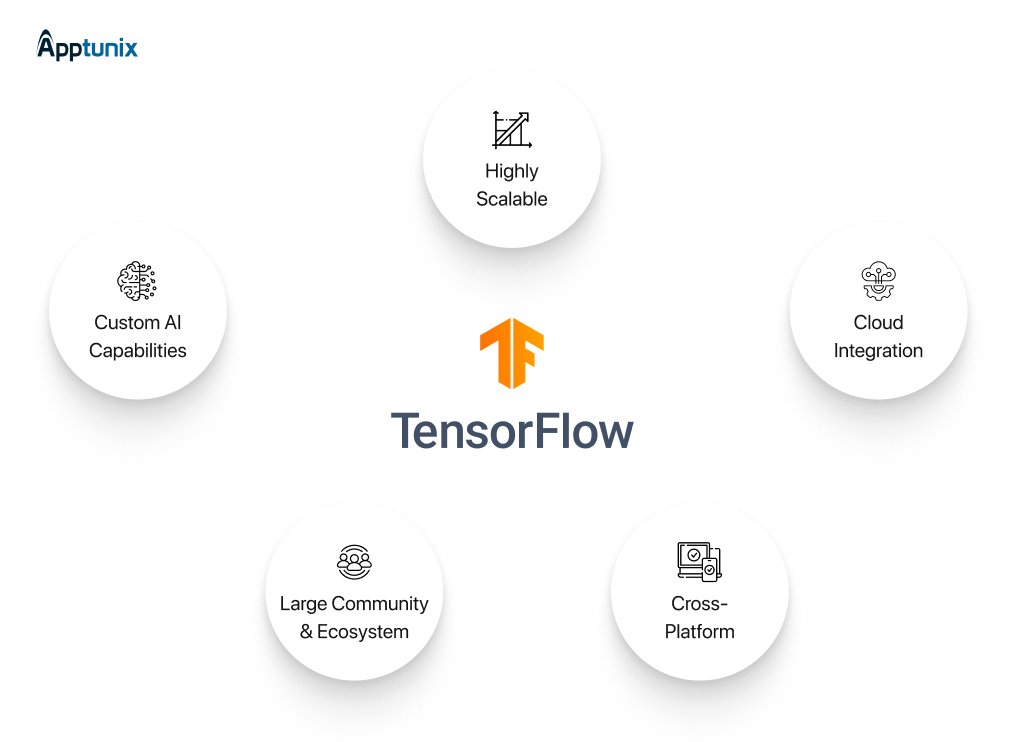
TensorFlow is a robust and open-source machine learning framework developed by Google. It is used to build, train, and deploy machine learning and deep learning models for a range of applications across web, desktop, mobile, and embedded platforms.
It offers an extensive suite of tools and libraries that developers and data scientists use to build AI models for image classification, language processing, speech recognition, and recommendation systems, among other applications.
While TensorFlow Lite is primarily designed for mobile apps, many people utilize powerful models developed with TensorFlow and deploy them, either directly on the user’s phone or through cloud servers, to provide intelligent features in mobile apps.
4. IBM Watson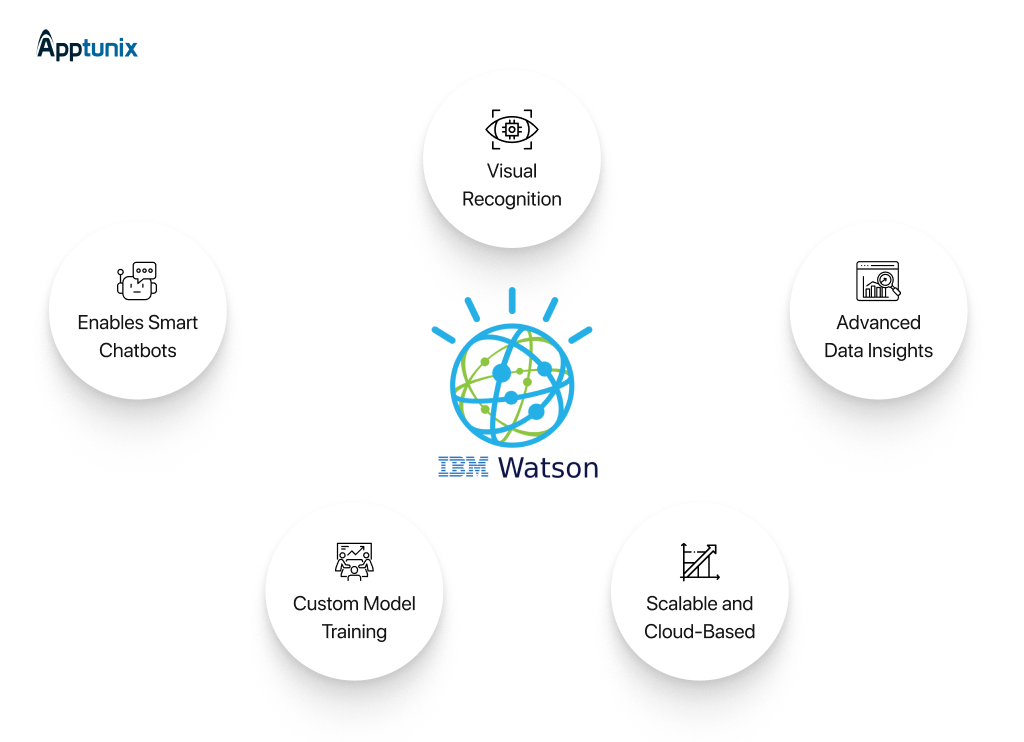
IBM Watson, developed by IBM, is an advanced AI and machine learning platform.
Also, IBM Watson can enhance mobile apps with intelligent features like chatbots, sentiment analysis, speech-to-text, and more.
Today, 80% of data is unstructured, and IBM Watson helps businesses analyze vast datasets and make more intelligent, data-driven decisions. It’s known for its ability to understand and interact in human-like ways using natural language processing.
5. DialogFlow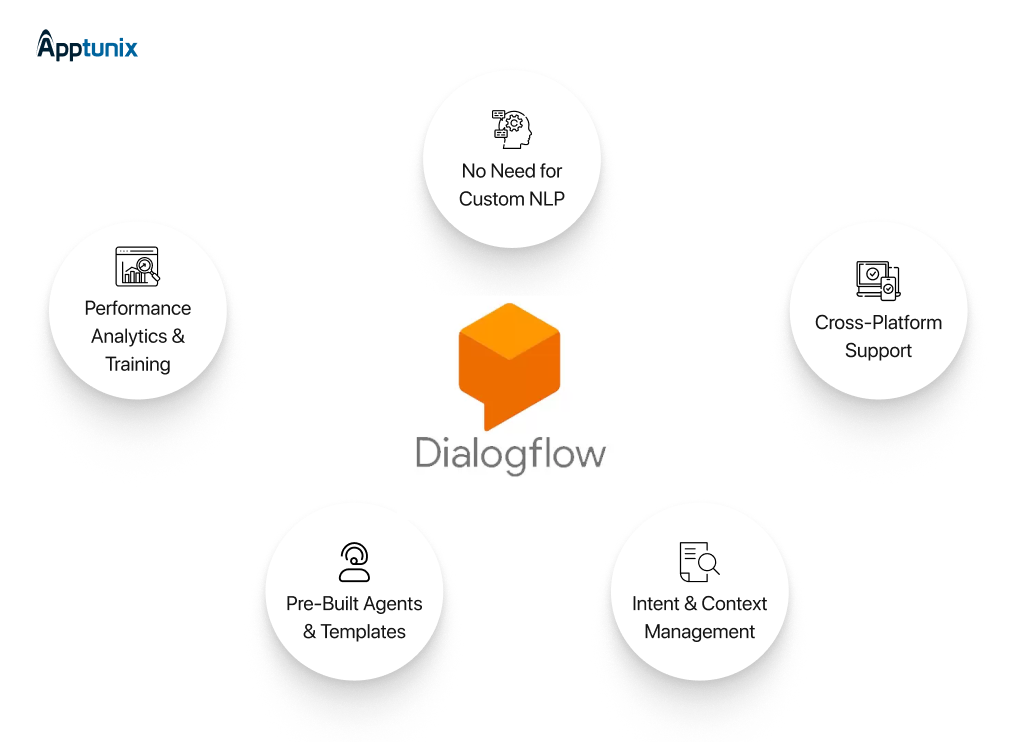
DialogFlow is a Google-owned platform that enables developers to create conversational user interfaces, including chatbots, virtual agents, and voice assistants. It utilizes natural language understanding (NLU) to interpret user input and map their queries into intents and entities that your app can process.
DialogFlow supports integration with numerous popular messaging platforms, including Google Assistant, Facebook Messenger, Slack, and others.
It also offers tools to manage complex conversation flows and maintain context across interactions.
Whether you want to build customer support bots, interactive voice response systems, or simple Q&A bots, DialogFlow provides a robust framework for these use cases. Get in touch with a top AI development company to get further assistance.
6. Azure Cognitive Services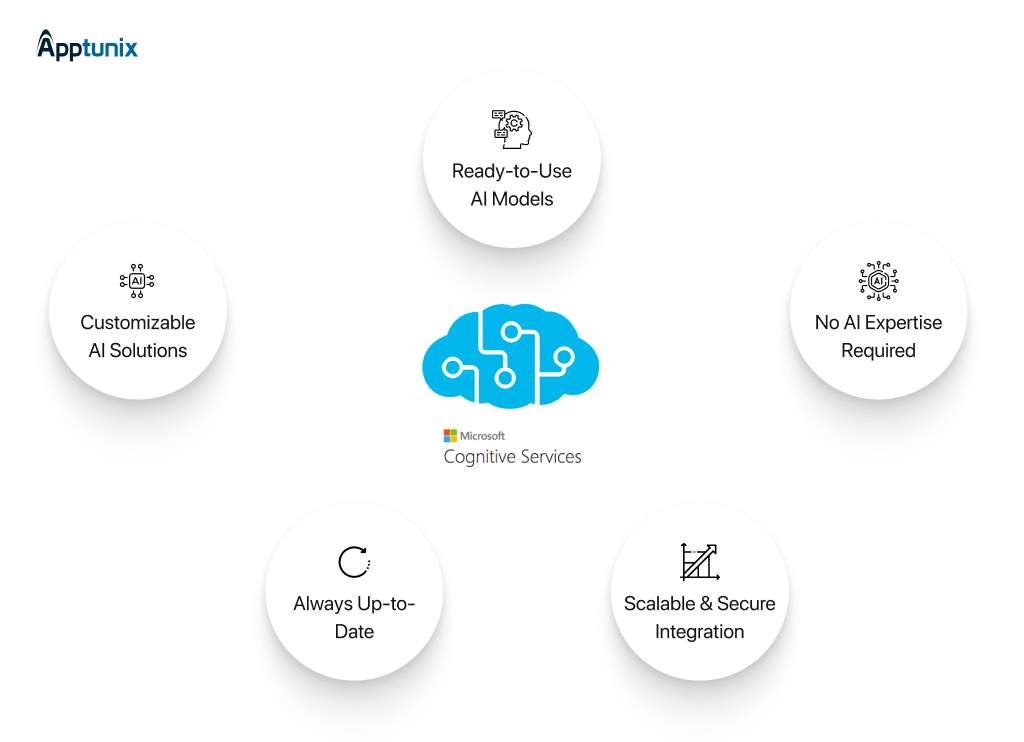
Azure Cognitive Services is a suite of AI-powered APIs and tools offered by Microsoft Azure, designed to help developers easily add intelligent features to their applications.
It includes services for vision (image and video analysis), speech (speech recognition and synthesis), language (text analytics, translation, language understanding), and decision-making (personalizer, anomaly detector).
Because these services are pre-built and cloud-hosted, developers don’t need expertise in machine learning or AI to integrate advanced capabilities into their apps. Azure Cognitive Services scales automatically and ensures enterprise-grade security, making it suitable for applications of any size.
7. Core ML (for iOS)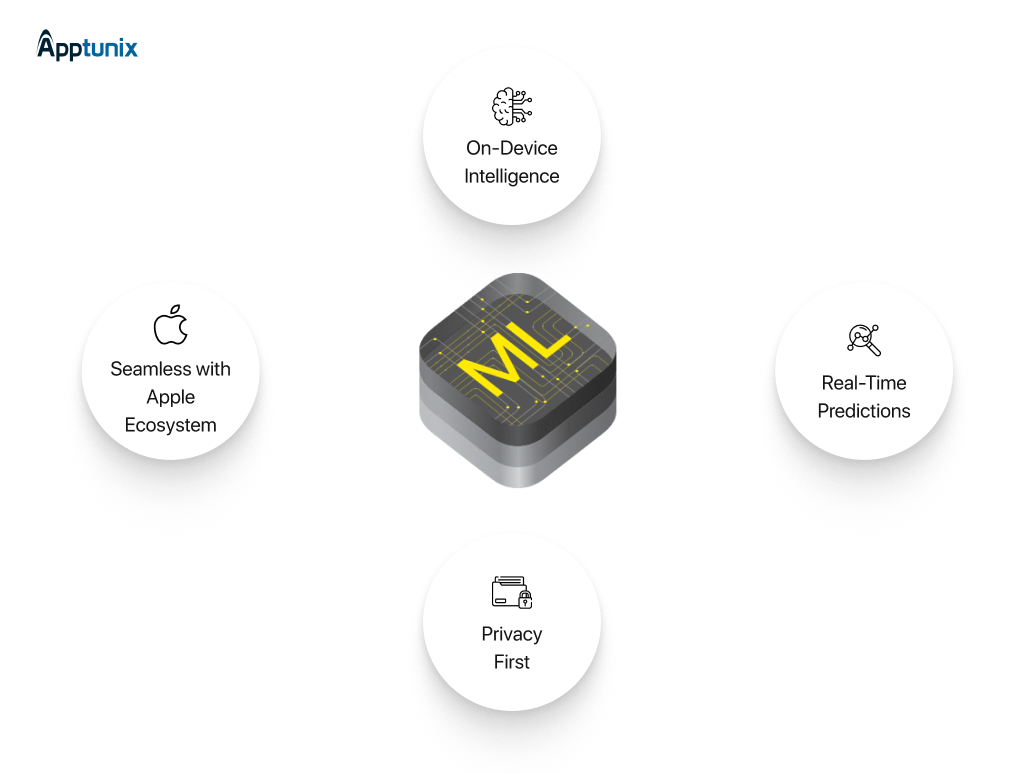
Core ML is Apple’s machine learning framework designed for seamless integration of pre-trained models across its platforms—including iOS, macOS, watchOS, and tvOS.
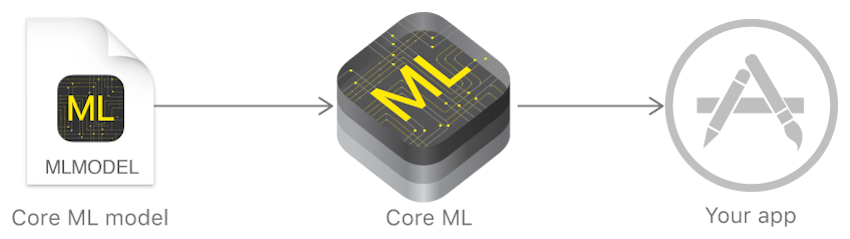
It enables fast, on-device predictions in real-time, making it ideal for tasks such as analyzing live images or video directly on the device without relying on cloud processing.
It supports various model types, including neural networks, decision trees, and support vector machines—imported from popular tools like TensorFlow, PyTorch, and XGBoost.
Note: Core ML is completely free and built into Apple’s development ecosystem. You can use it via Xcode and deploy it on any supported Apple device.
8. GitHub Copilot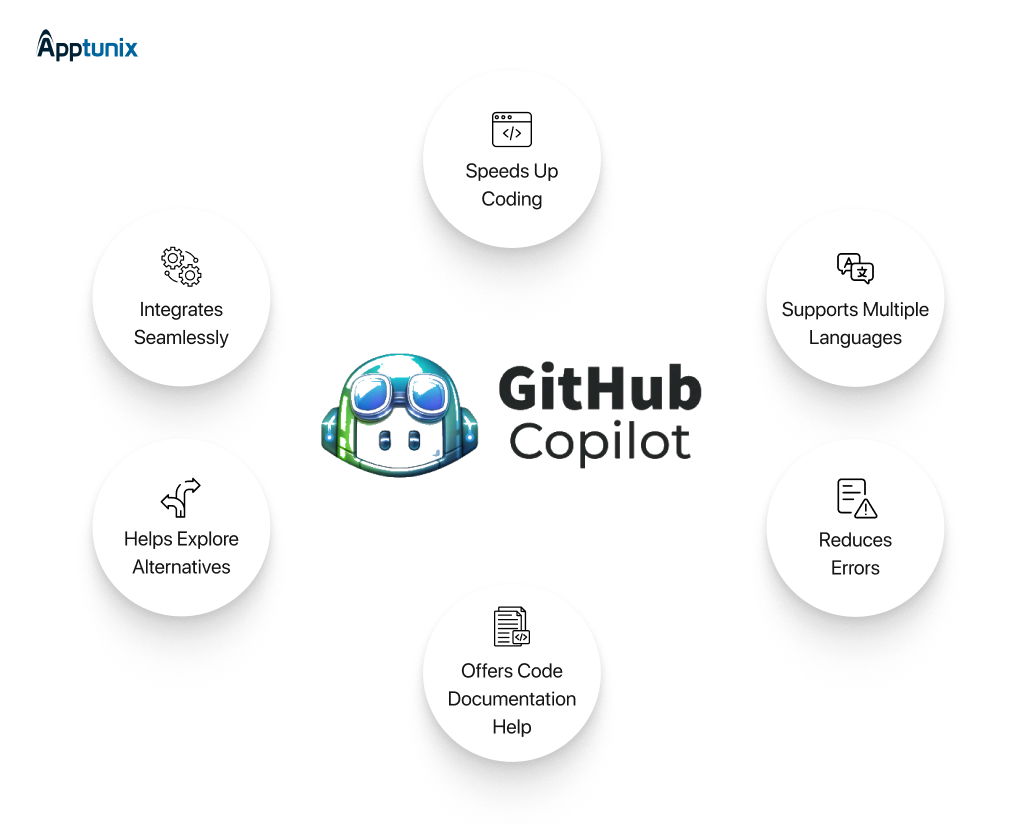
GitHub Copilot is an AI-powered code completion tool developed by GitHub in collaboration with OpenAI. It acts as a virtual coding assistant, suggesting code snippets, functions, or entire blocks of code in real-time as developers write.
Copilot is trained on a vast dataset of publicly available code and natural language text to understand coding context and provide relevant suggestions.
Note: GitHub Copilot offers a free tier, providing individual developers with limited access to its AI-powered coding assistance, including up to 2,000 code completions and 50 chat requests monthly.
9. OpenCV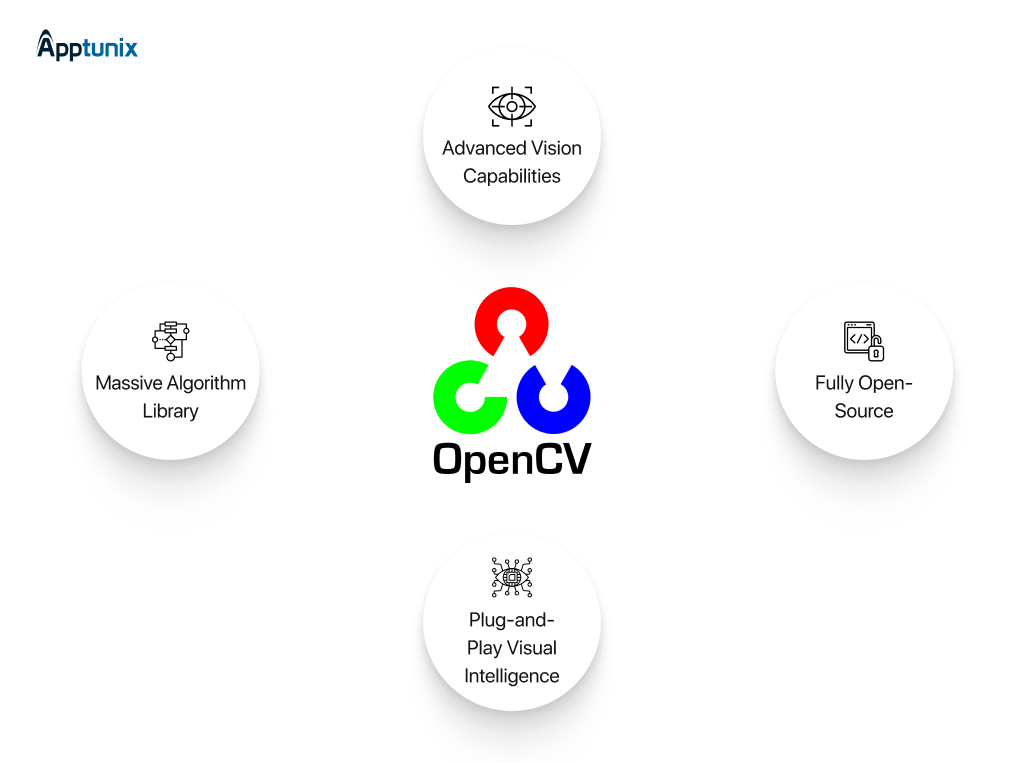
OpenCV is a cross-platform programming library you can use to build real-time computer vision features for your mobile app.
In simple terms, computer vision enables computers to understand and identify objects and people in images and videos. It’s also one of the key subfields of AI.
OpenCV gives you access to over 2,500 optimized algorithms you can use to create computer vision features for your app.
Some features you’ll be able to create are:
OpenCV is an open-source library, and you can freely use and modify the code in the library.
10. FlutterFlow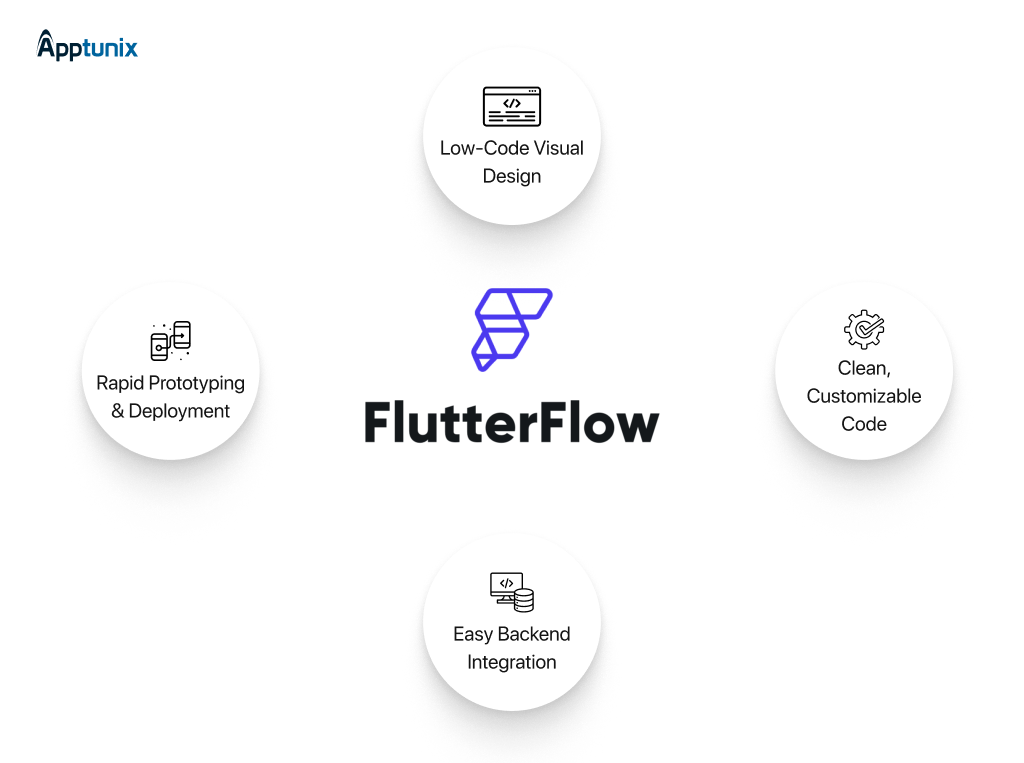
FlutterFlow is a visual app builder for creating cross-platform mobile apps using Google’s Flutter framework. It allows you to design your app’s UI with drag-and-drop simplicity — no deep coding skills required.
But it’s not just about design — FlutterFlow also generates clean Flutter code that you can export or continue to develop in your IDE.
Features you can create with FlutterFlow include:
11. Uizard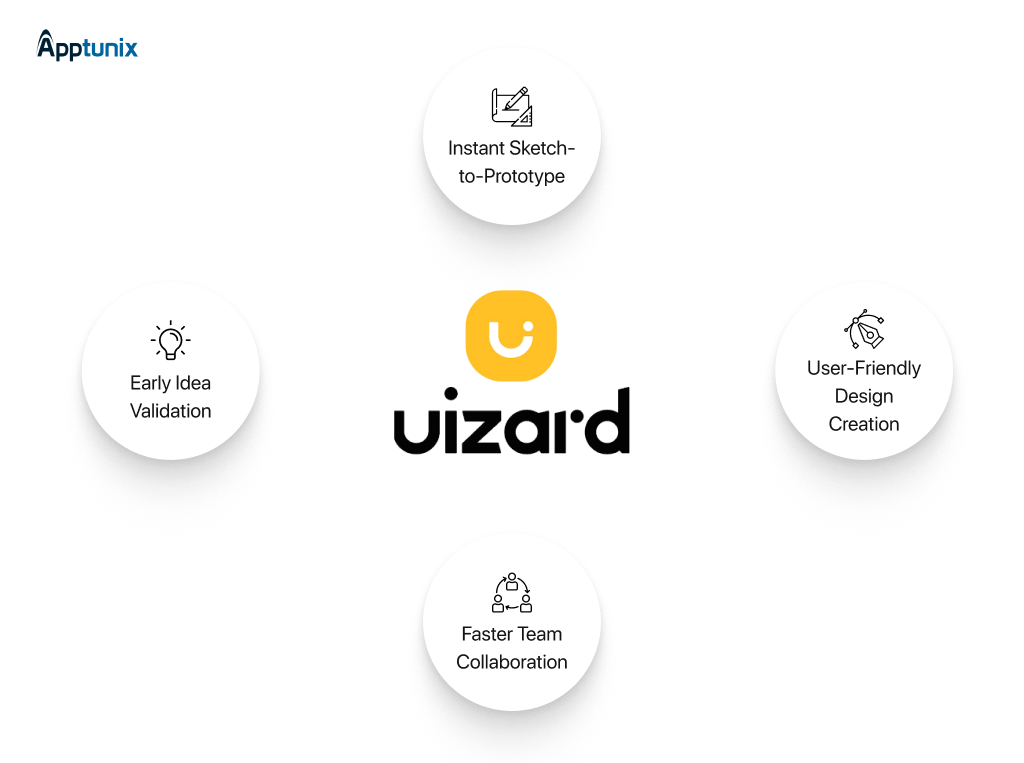
Uizard is an AI-powered design tool that instantly transforms your sketches and ideas into digital app prototypes.
Simply upload a hand-drawn wireframe or sketch, and Uizard converts it into interactive UI designs with editable components. This tool accelerates the early design phase of app development, enabling teams to visualize and iterate ideas more quickly.
Some key features include:
12. PyTorch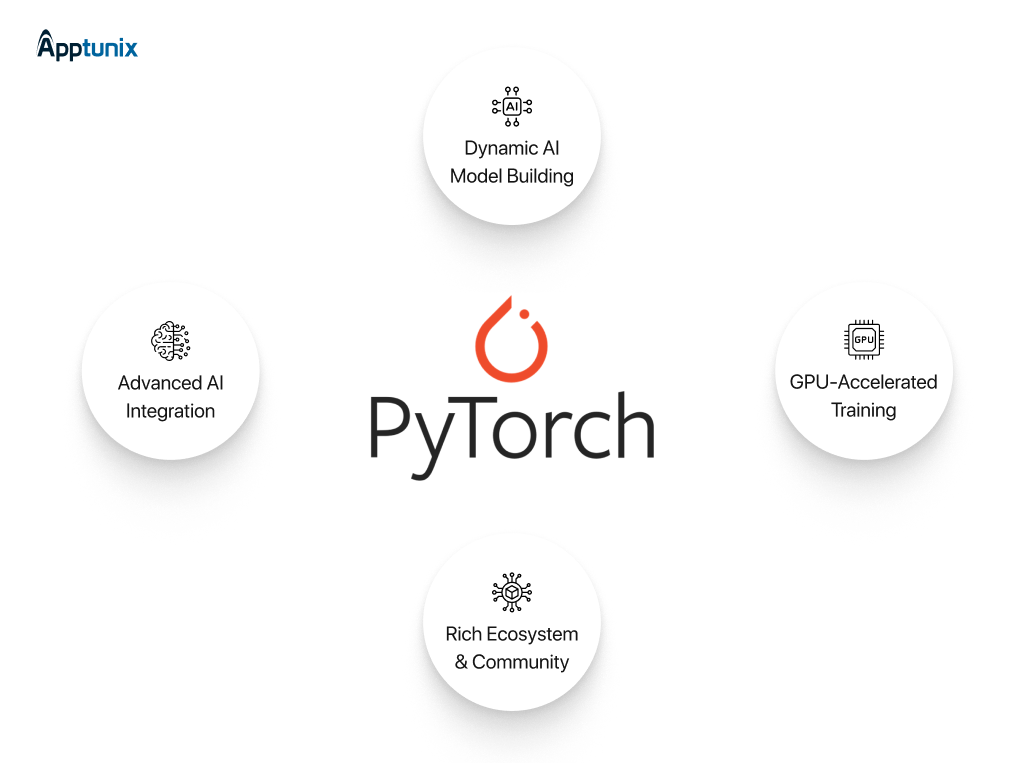
PyTorch is a popular open-source machine learning library used for building AI models, including deep learning networks.
It offers a dynamic computational graph, which means you can change your model on the fly during runtime — ideal for research and experimentation.
Many AI developers utilize PyTorch to construct models for image recognition, natural language processing, and computer vision.
Key features include:
13. Microsoft Power Apps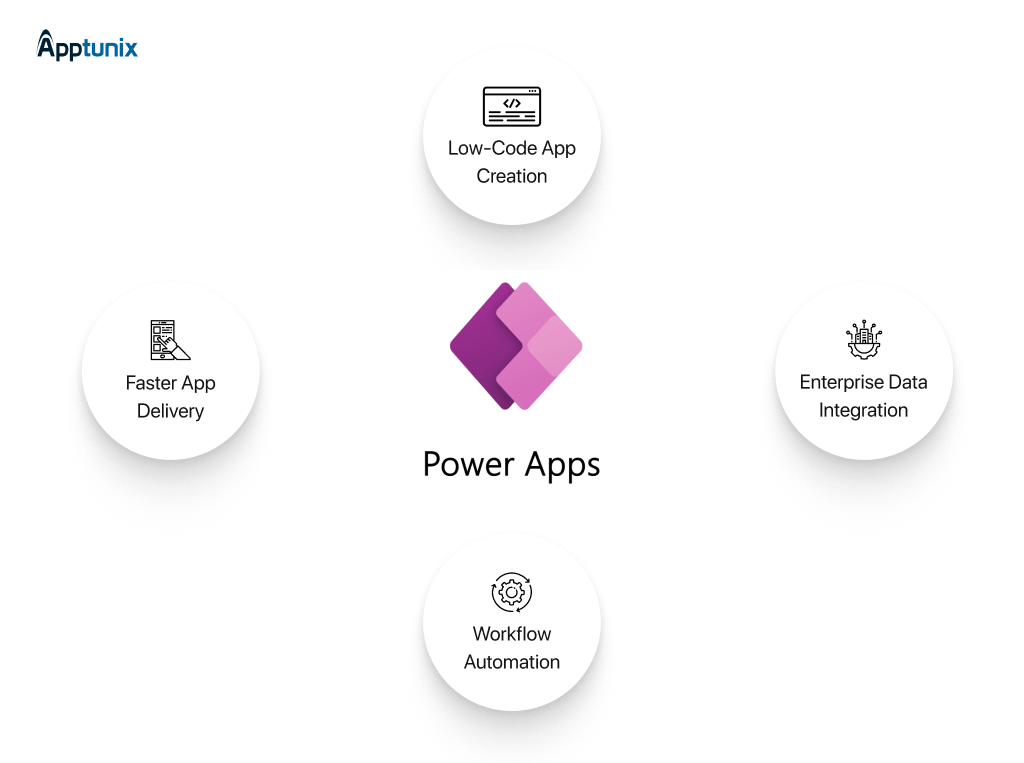
Microsoft Power Apps is a low-code platform that lets you build custom business applications quickly and easily.
You don’t need extensive programming knowledge — just drag and drop components to create apps that connect to your data sources. It seamlessly integrates with Microsoft 365, Dynamics 365, and other cloud services. With Power Apps, you can create:
14. Visily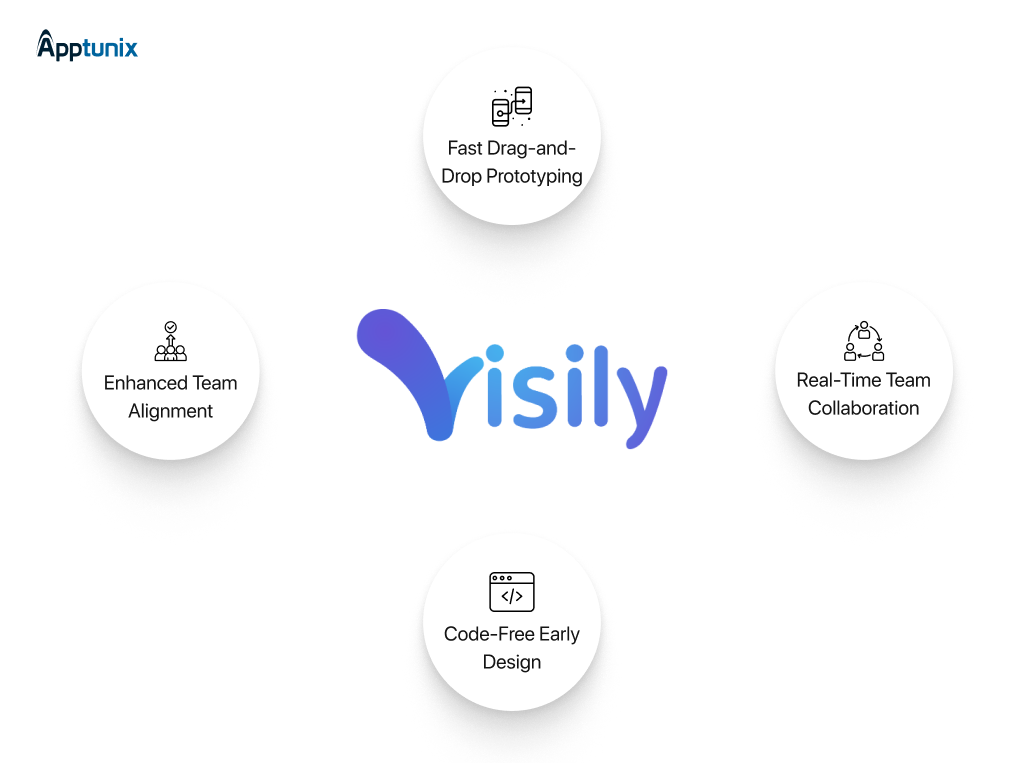
Visily is a no-code/low-code design tool that helps product teams create detailed and interactive app wireframes and prototypes. It offers a simple drag-and-drop interface with smart components that accelerate UI design without requiring code. Visily also allows real-time collaboration and feedback, making it ideal for remote teams.
Some features you can use are:
15. Mintlify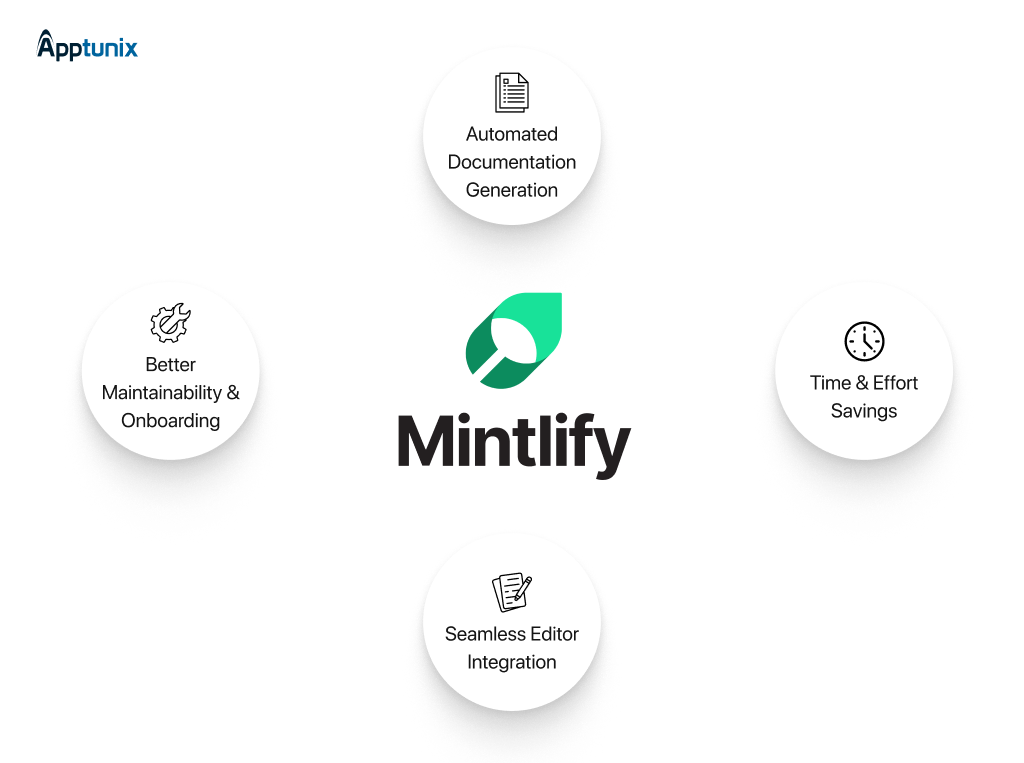
Mintlify is an AI-powered documentation tool designed to help developers write clear, accurate, and well-structured documentation faster.
It integrates with your codebase and automatically generates documentation snippets, explanations, and examples based on your code.
This saves time and ensures your documentation stays up to date.
Key features include:
While AI tools for mobile app development offer significant advantages, their integration is not without challenges. Understanding these challenges early helps teams plan better and avoid common pitfalls when adopting AI in app development.
Below are the key challenges organizations face when implementing AI-powered tools for mobile app development.
1. Data Quality and AvailabilityAI systems depend heavily on high-quality data to perform accurately. Poor, biased, incomplete, or outdated data can lead to unreliable predictions, flawed automation, and poor user experiences.
For mobile app teams, collecting, cleaning, and managing large datasets can be complex, especially when dealing with user behavior, analytics, or personalization models. Without strong data governance, the effectiveness of AI tools for app development is significantly reduced.
2. Integration with Existing Tech StackMany companies operate on legacy systems or established development workflows. Integrating AI tools into existing mobile app architectures, CI/CD pipelines, and development environments often requires additional customization, infrastructure upgrades, and engineering effort.
This can increase initial implementation time and cost, especially for enterprises with complex systems.
3. Skill Gaps and Learning CurveAdopting AI in mobile app development requires new skills related to machine learning, data science, and AI model management. Not all development teams are immediately equipped to use these tools effectively.
Without proper training and onboarding, AI tools may be underutilized or misused, limiting their potential impact.
4. Cost of Implementation and MaintenanceAlthough AI tools improve long-term efficiency, the upfront cost of implementation can be significant. This includes licensing fees, infrastructure investment, integration work, and ongoing model training and maintenance. For MSME businesses, balancing the ROI with implementation costs is an important consideration.
5. Security, Privacy, and Compliance RisksAI tools often process sensitive user data, making privacy and security a critical concern. Compliance with data protection regulations such as GDPR, HIPAA, and regional privacy laws becomes more complex when AI is involved.
6. Ethical and Transparency ConcernsAI models can unintentionally introduce bias, make opaque decisions, or behave unpredictably. In user-facing mobile applications, this can impact trust, fairness, and brand reputation. Ensuring transparency, explainability, and ethical AI usage is essential for responsible AI-powered mobile app development.
Apptunix isn’t just another top mobile app development company — it’s your strategic AI partner. By blending deep industry expertise with cutting-edge AI tools, Apptunix helps you build smarter, faster, and more scalable mobile apps.
Whether you’re aiming to integrate personalized user experiences, predictive analytics, chatbots, or real-time automation, Apptunix knows how to leverage AI tools like TensorFlow, Dialogflow, Core ML, and OpenAI APIs to bring your vision to life.
From planning to post-launch, Apptunix provides:
With over a 13+ of experience and a portfolio of 3000+ apps, Apptunix empowers you not just to keep up — but lead in the AI-driven mobile era.
Ready to make your app future-proof? Let Apptunix bring AI innovation to your fingertips.
Bonus Read: Artificial Intelligence Software Development Cost in Dubai, UAE
Q 1.What are AI tools in mobile app development?
AI tools help automate, optimize, and enhance app features using artificial intelligence—such as chatbots, recommendation engines, voice recognition, and image analysis.
Q 2.What is the estimated cost range for developing a custom AI-powered mobile app?
The cost of developing a custom AI-powered mobile app typically ranges between $20,000 and $200,000. This range completely depends on complexity, features, and data requirements. A basic AI app with simple automation or recommendations sits at the lower end. However the advanced apps using machine learning, computer vision, or real-time analytics cost more.
Q 3.What factors determine the cost of integrating AI into mobile app development?
The cost of integrating AI tools for mobile app development depends on multiple technical and business factors, including:
Q 4.How long does it take to develop a mobile app using AI tools?
Developing a mobile app using AI tools usually takes 3 to 6 months, depending on app complexity and feature scope. Simple AI integrations like chatbots or recommendation engines can be built faster. But the advanced AI models require more time for data preparation, training, testing, and optimization.
Q 5. Why should I use AI tools in my mobile app?
AI improves user experience, enables personalization, boosts app performance, and reduces manual development time through smart automation and real-time decision-making.
Q 6.Are AI tools suitable for both Android and iOS apps?
Yes. Many AI tools like TensorFlow Lite, Core ML, and Dialogflow support both Android and iOS platforms for seamless integration across devices.
Q 7.Do I need coding skills to use AI tools?
Some tools offer no-code or low-code environments (like Google AutoML), while others may require development knowledge for full customization and control.
Q 8. Which industries benefit most from AI-powered mobile apps?
Industries like healthcare, eCommerce, finance, real estate, and entertainment benefit the most—using AI for virtual assistants, fraud detection, personalized content, and more.
Q 9.Can AI tools make my app more secure?
Yes. Many AI tools help detect unusual behavior patterns, prevent fraud, and protect user data through intelligent threat detection systems.
Q 10.What should businesses consider before choosing AI tools for mobile app development?
Before selecting AI tools for mobile app development, businesses should consider usability, scalability, data compatibility, security, and long-term costs. It’s also important to evaluate how easily the tool integrates with your existing tech stack and whether your team has the skills to use it effectively.
(3 ratings, average: 5.00 out of 5)
Get the weekly updates on the newest brand stories, business models and technology right in your inbox.
Arohi Singh is a technology content strategist at Apptunix, where she writes about software and app development across industries, from on-demand and logistics to fintech, healthcare, and applied AI. With over 5 years of experience, she works closely with Apptunix’s engineers, product managers, and solution architects to turn real project insights into clear, decision-ready guidance for founders and business leaders. Her writing focuses on what matters before you build: market context, feature trade-offs, realistic costs, and compliance considerations
4 Views 14 min October 13, 2026
6 Views 14 min October 9, 2026
20 Views 14 min October 8, 2026
Book your consultation with us.
Book your consultation with us.


One Central, The offices 3, Level 3, DWTC, Sheikh Zayed Road, Dubai
+971 50 782 1690